> For the complete documentation index, see [llms.txt](https://mieter.immodio.app/llms.txt). Markdown versions of documentation pages are available by appending `.md` to page URLs; this page is available as [Markdown](https://mieter.immodio.app/en/erste-schritte/login.md).
# Log in
How to log in to Immodio as a tenant.
{% stepper %}
{% step %}
### Open Immodio
In your web browser, open [my.immodio.app](https://my.immodio.app)
{% endstep %}
{% step %}
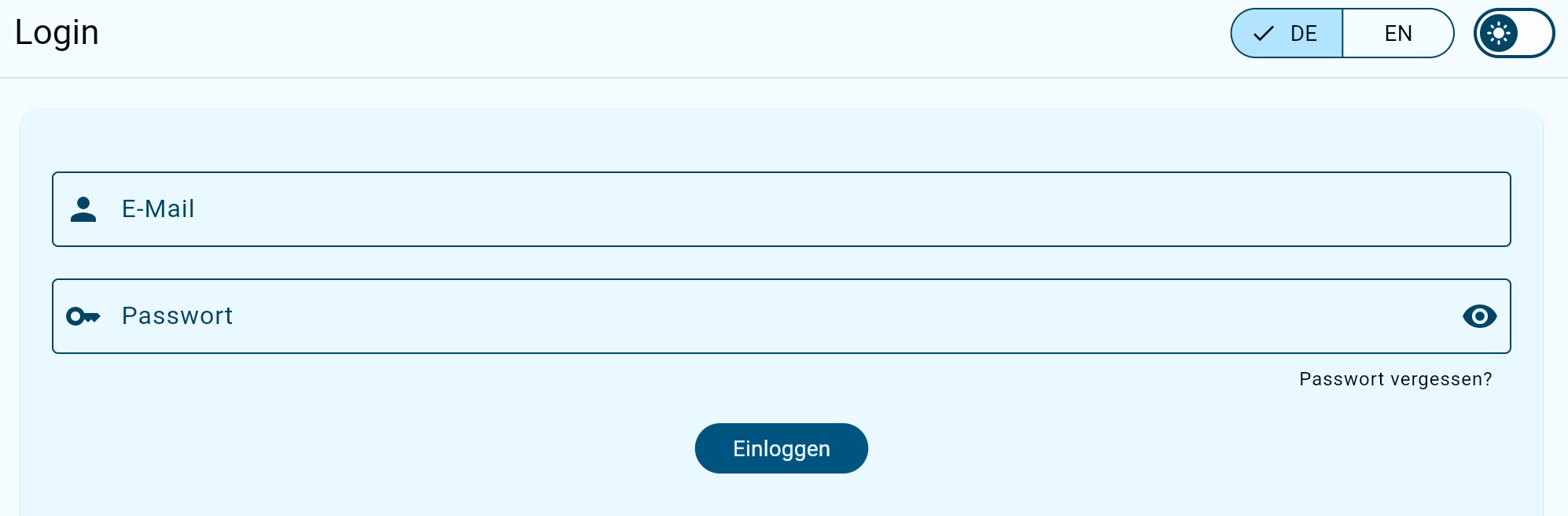
### Enter your login details
Enter the **email address** and **password** you used when registering.
{% hint style="warning" %}
If you do not yet have a tenant account, you must first [register](/en/erste-schritte/registrieren.md). To do so, you need a personal registration link or a link for requesting a viewing appointment. Your landlord, property manager or estate agent will provide this.
{% endhint %}
{% endstep %}
{% step %}
### Log in
After clicking “Log in”, you will be taken directly to your personal tenant portal.
{% endstep %}
{% endstepper %}
Forgot your password?
In the login area, click “Forgot password?” to request a new password. A password reset link will then be sent to the email address you used to register with Immodio.